
A Native DoorDash Marketplace Integration Comes to HungerRush: Here’s What It Means
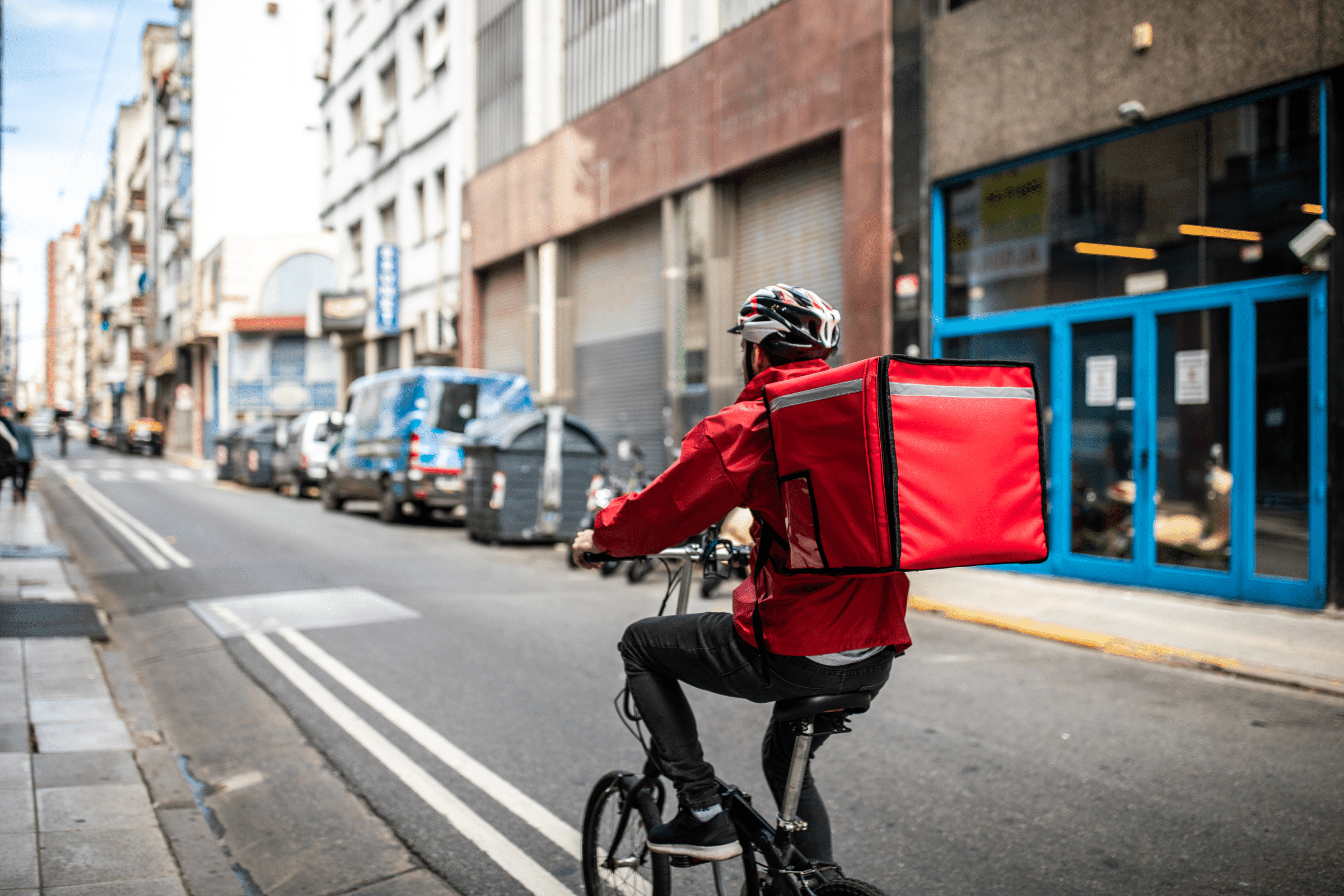
Until now, restaurants that wanted to accept DoorDash orders inside their POS had two options: pay for a third-party aggregator to push orders through, or manually re-enter each order from a DoorDash tablet into the POS.
Neither option is ideal. Aggregator software adds cost and complexity. Manual entry adds time and creates real risk of errors — wrong items, missed modifiers, delayed tickets.
If that sounds familiar, we built a solution.
Introducing the HungerRush DoorDash Integration
HungerRush offers a native integration with DoorDash Marketplace that sends orders directly to your HungerRush POS — no tablet, no middleware, no manual re-entry.
The integration automatically routes your DoorDash orders into the POS, including deferred orders, delivery instructions, and special item requests. All order types are supported: DoorDash Delivery, self-managed delivery, and guest pickup.
For operators currently running a third-party aggregator between HungerRush and DoorDash, the native integration removes the middle layer — and the fees that come with it.
Here’s How the DoorDassh POS Integration Works
The integration automatically receives DoorDash orders into your HungerRush POS. Here’s what else it does:
- Sync your POS data with DoorDash. Menu items and pricing stay current on DoorDash automatically. Out-of-stock items are removed from both your POS and your DoorDash menu in real time — keeping your guest experience consistent across every channel.
- Manage multiple menus from one place. Run separate menus for in-store versus DoorDash, all from your HungerRush POS.
- Track commission automatically. Commission is calculated for each DoorDash order so you always know your true revenue after fees.
What’s So Great About a Native POS Integration?
Previously, HungerRush operators could use DoorDash Drive to dispatch their own delivery orders to DoorDash drivers — tapping the DoorDash network when in-house capacity was stretched.
The native Marketplace integration adds a direct feed of orders placed by guests on the DoorDash app itself. That means you get the full benefit of HungerRush’s POS and delivery tools, plus access to DoorDash’s audience — without any manual work in between.
The integration eliminates the separate DoorDash tablet sitting on the counter. It removes the risk of input errors when orders are transferred by hand. And it saves real time and tedium during every service.
If you’re using an aggregator to connect HungerRush and DoorDash today, the native integration simplifies your tech stack — one fewer vendor, one fewer monthly fee.
A Host of Operational Efficiency Gains
The goal of the integration is to make life easier for restaurant operators. Fewer steps in order processing means measurable gains across the board.
Easy Menu Management
Rather than logging into a separate DoorDash dashboard to update menus, make pricing changes, or review sales data, you manage everything straight from your HungerRush POS. Your staff is already on the POS dozens of times a day — keeping DoorDash management there too saves time and reduces training overhead.
Accurate Menus
When your HungerRush POS and DoorDash account share data in real time, your menus are always in sync — whether a guest orders on your own app, on DoorDash, or in-store. Consistency is what keeps guests coming back.
Simplify Restaurant Operations
Whether you currently run a DoorDash tablet and manually key orders into the POS, or rely on an aggregator to sync the two systems, the native integration simplifies your workflow. Paired with HungerRush’s full delivery and curbside suite, you get a connected order management experience across every channel.
Reduce Ordering Errors
Manually re-punching orders from a tablet into the POS is a recipe for missed items, wrong modifiers, and frustrated guests. Errors mean refunds, remade food, and bad reviews. The native integration removes that step entirely — orders arrive at the POS exactly as placed.
Speed Up Service
Even if a team member spends just 20 seconds reading and re-entering a DoorDash order, that adds up fast. On a Friday night service with 400 DoorDash orders, that’s more than two hours of avoidable labor. Across multiple locations, the time savings compound quickly — and those hours are better spent on the floor.
Turn On the Integration to Simplify Your Operations
Whichever way you currently take DoorDash orders, the native HungerRush DoorDash integration gives you cleaner operations, more accurate orders, and time back in every service.
Frequently Asked Questions
How does HungerRush’s DoorDash integration work?
HungerRush’s native DoorDash Marketplace integration creates a direct connection between your DoorDash account and your HungerRush POS. When a guest places an order on DoorDash, it flows automatically into the POS — including special instructions, deferred orders, and all order types (DoorDash Delivery, self-managed delivery, and pickup). No tablet. No middleware. No manual entry.
Do I still need a DoorDash tablet if I use HungerRush?
No. With the native integration, DoorDash orders route directly into your HungerRush POS. The separate DoorDash tablet is no longer needed, which frees up counter space and eliminates the manual step of transferring orders.
What order types does the HungerRush DoorDash integration support?
All three. The integration supports DoorDash Delivery (DoorDash handles pickup and delivery), self-managed delivery (your own drivers fulfill the order), and guest pickup (the guest picks up the order in-store). All order types flow directly into the POS.
Can I manage my DoorDash menu from my HungerRush POS?
Yes. The integration lets you manage your DoorDash menu directly from HungerRush. Menu items, prices, and out-of-stock statuses sync automatically — so your DoorDash menu always reflects what’s actually available. You can also set up separate menus for in-store versus DoorDash ordering.
Does the HungerRush DoorDash integration track commission fees?
Yes. Commission tracking is built into the integration. For each DoorDash order, the system automatically calculates the commission so you can see your actual revenue after DoorDash fees — without manual calculations or separate reporting.
How do I set up the HungerRush DoorDash integration?
The DoorDash integration can be added to your HungerRush subscription and activated quickly. To get started or learn more about setup, book a demo and our team will walk you through the process.